Starter
$4.99
20 credits
20 × 1K generations
≈ $0.25 per generation
Independent AI image studio
Use the Nano Banana AI image generator by NBNA to create 1K images from text prompts. Sign up for 3 trial credits and download original images.
Text to image
Images are stored for 30 days. Please download to save permanently.
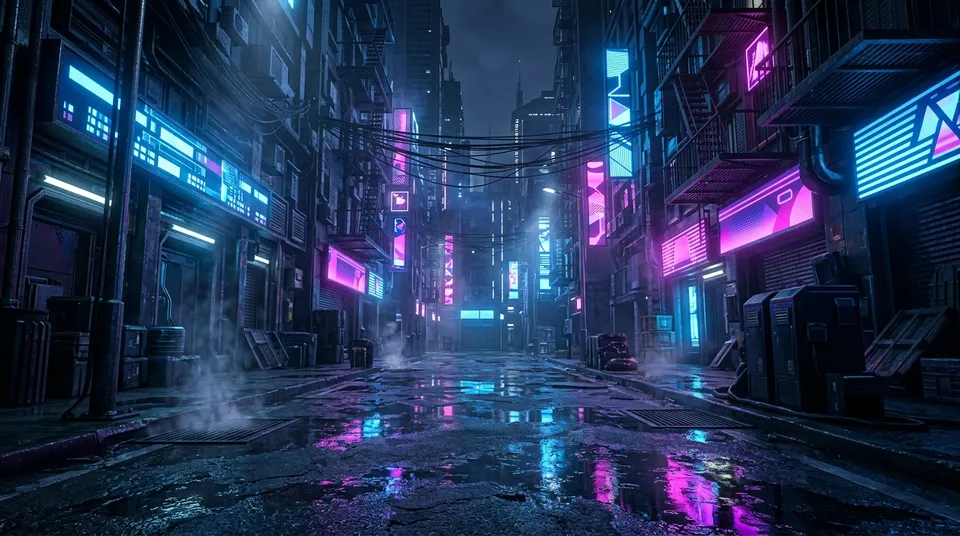 Example image
Neon after midnight
A real sample output, not an image from your account. Your generation may differ.
One-time credit packs. No subscription.
One-time purchase. Credits never expire. Each 1K generation costs 1 credit.
$4.99
20 credits
20 × 1K generations
≈ $0.25 per generation
Recommended
$9.99
50 credits
50 × 1K generations
≈ $0.20 per generation
Lowest cost per generation
$19.99
120 credits
120 × 1K generations
≈ $0.17 per generation
Real NBNA outputs from four prompts, including landscape and poster variations. Use a prompt to prepare the editor; generating a new image is a separate action. These public samples are not your account history. Gallery images are optimized previews of the tested originals.
Sample output
A cinematic futuristic street at midnight, blue and magenta neon reflections on wet asphalt, wide composition, realistic lighting, no people, no text or logos
Nano Banana 2.1 via Kie · 1K · 16:9 · 1376 × 768
Actual generated sample. Results vary. Native dimensions approximate the requested ratio; the original is not cropped.

Sample output
A plain white ceramic coffee cup on a neutral studio surface, warm window light, soft shadow, realistic product concept, no text or logo
Nano Banana 2.1 via Kie · 1K · 1:1 · 1024 × 1024
Actual generated sample. Results vary.
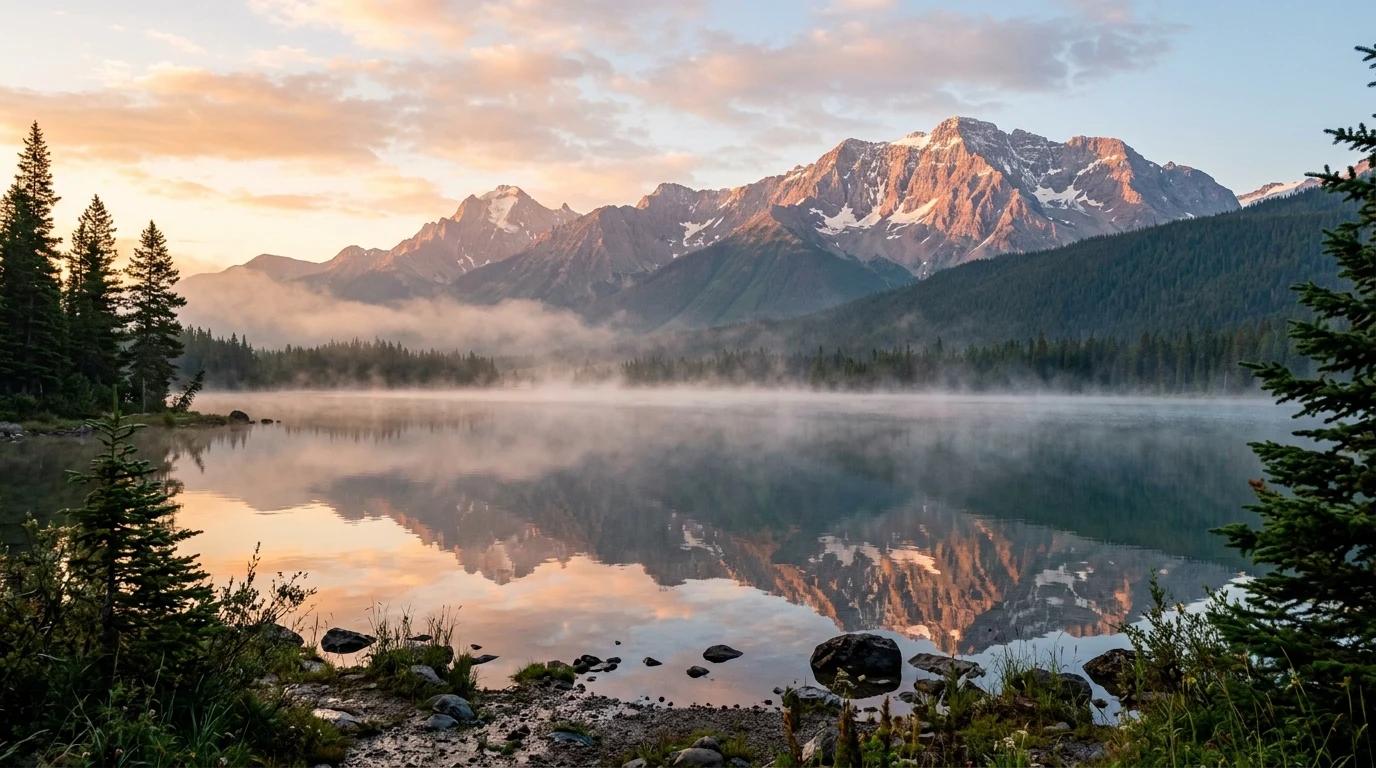
Sample output
A tranquil alpine lake at sunrise, mountain reflections, mist over the water, natural colors, detailed landscape photography
Nano Banana 2.1 via Kie · 1K · 16:9 · 1376 × 768
Same-prompt variation: A and B use the identical prompt, not different prompt treatments. Actual generated sample. Results vary. Native dimensions approximate the requested ratio; the original is not cropped.
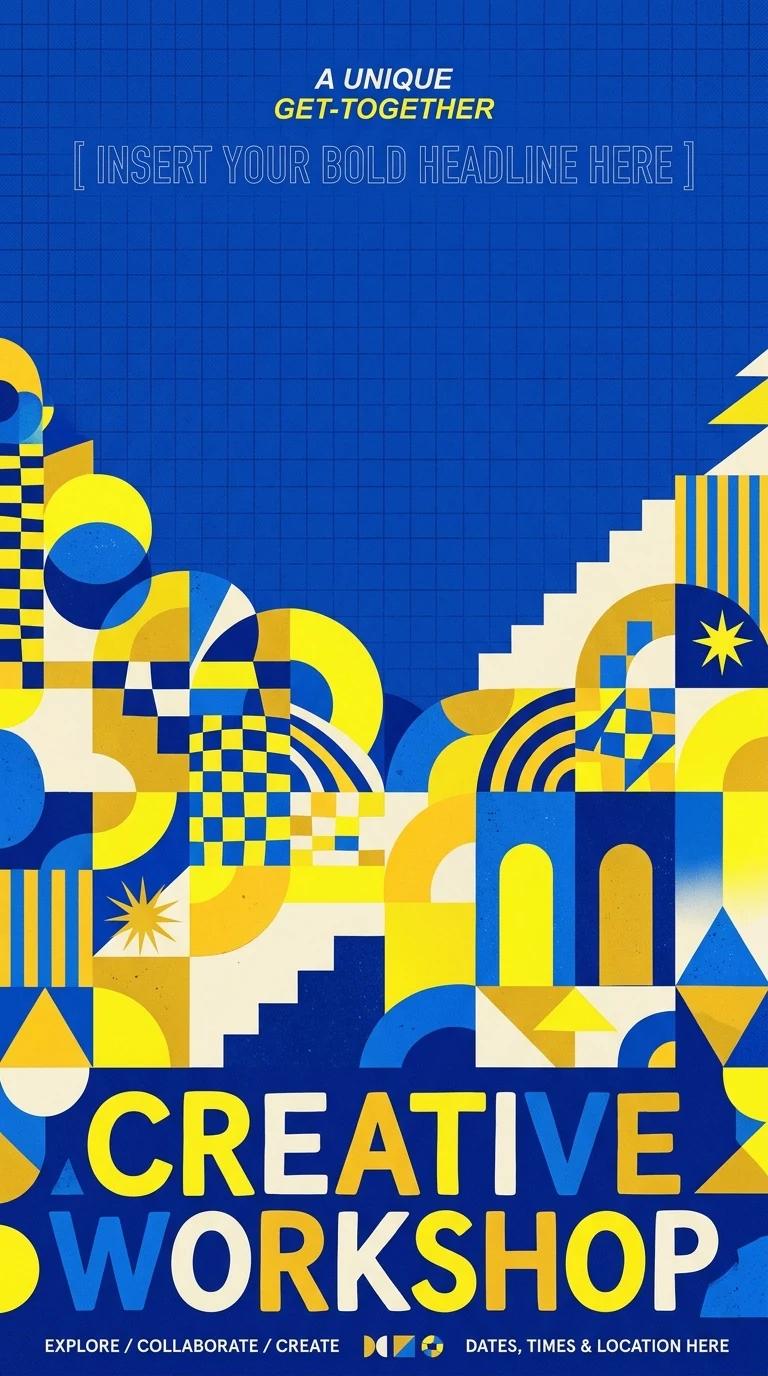
Sample output
A bold modern poster for a creative workshop, abstract geometric shapes, cobalt blue and yellow palette, generous space for a headline
Nano Banana 2.1 via Kie · 1K · 9:16 · 768 × 1376
Same-prompt variation: A and B use the identical prompt, not different prompt treatments. Actual generated sample. Results vary. Native dimensions approximate the requested ratio; the original is not cropped.
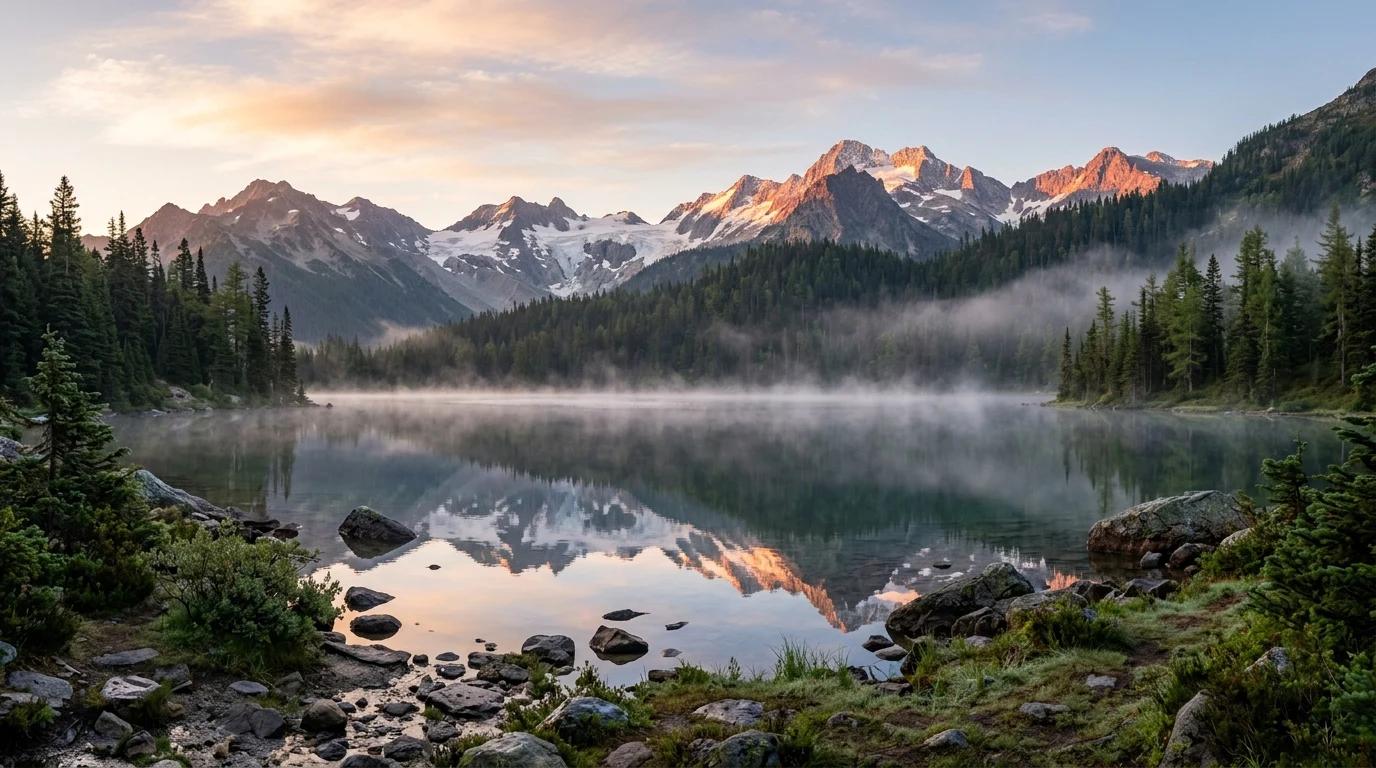
Sample output
A tranquil alpine lake at sunrise, mountain reflections, mist over the water, natural colors, detailed landscape photography
Nano Banana 2.1 via Kie · 1K · 16:9 · 1376 × 768
Same-prompt variation: A and B use the identical prompt, not different prompt treatments. Actual generated sample. Results vary. Native dimensions approximate the requested ratio; the original is not cropped.
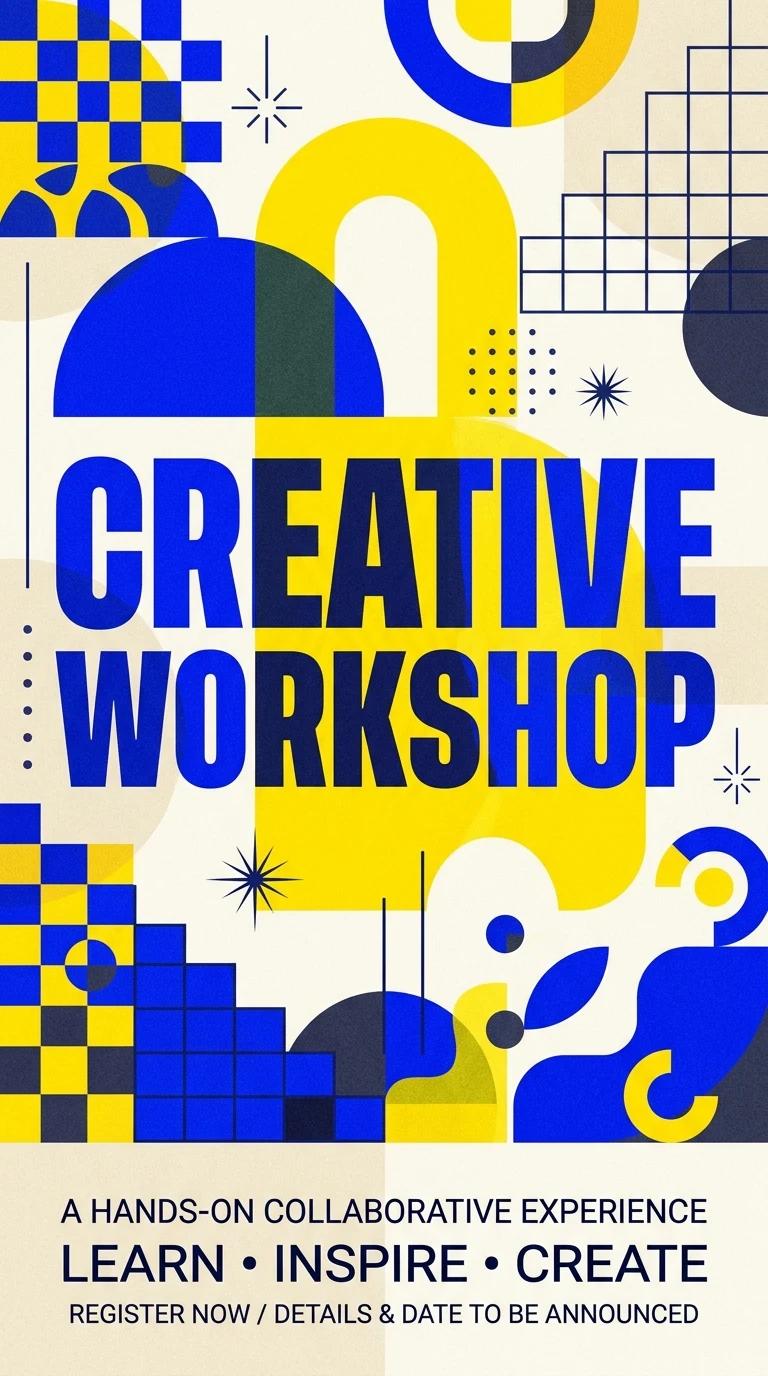
Sample output
A bold modern poster for a creative workshop, abstract geometric shapes, cobalt blue and yellow palette, generous space for a headline
Nano Banana 2.1 via Kie · 1K · 9:16 · 768 × 1376
Same-prompt variation: A and B use the identical prompt, not different prompt treatments. Actual generated sample. Results vary. Native dimensions approximate the requested ratio; the original is not cropped.
NBNA is an independent, browser-based AI image generator for people who want to turn a written idea into a picture without setting up a cloud console or supplying their own API key. Describe the subject, choose an aspect ratio and generate a 1K image. The tool is designed for creators, social-media publishers, ecommerce sellers and independent developers who need visual concepts rather than another technical setup task.
The current workflow uses the Nano Banana 2.1 model through Kie. NBNA is the product brand; the model name identifies the configured generation option rather than an official product of the model vendor. A version-specific page explains the current setup, while this homepage remains the general image-generator entry point.
Start with one clear subject, then add the setting, composition, lighting and visual style. For example, “a ceramic coffee cup” tells the model what to draw; “on a neutral studio surface, warm window light, soft shadows, close-up product photograph” tells it how the image should feel. A concrete description is easier to evaluate than a long sequence of unrelated quality labels.
For landscapes, name the location, time of day and atmosphere. For a social graphic, describe the palette, layout and space needed for a headline. If your first result is close but not quite right, change one variable at a time. There is no separate negative-prompt field in this version. Put important constraints in the main prompt, and inspect whether the output actually follows them.
Use 1:1 for a square visual such as a profile concept, product composition or compact social post. Choose 16:9 for a landscape scene, article illustration or widescreen background. Choose 9:16 for a vertical composition intended for a story, short-video cover or poster. Think about the final layout before generating, especially when a design needs room for text.
Resolution is fixed at 1K in the current tool. The landscape and portrait presets request standard aspect ratios, but the provider can return slightly different native pixel dimensions. Our tested landscape originals were 1376 × 768 and portrait originals were 768 × 1376, about 0.78% away from exact mathematical ratios. Downloads preserve the original output; they are not silently cropped, stretched or upscaled to 4K.
Creators can explore an article illustration or a consistent visual direction before editing the final layout. Social-media publishers can try an abstract poster background and add verified copy afterwards. Independent developers can draft a product-launch illustration or an app moodboard. In each case, the prompt should describe the job of the image, not only an attractive style.
Ecommerce sellers can explore lighting, materials and background ideas for a generic product concept. Text-to-image output is not a faithful photograph of your exact SKU: the tool does not currently accept a product-photo upload in this workflow. Check shape, color, lettering and proportions carefully. Do not use a generated concept to misrepresent a real item, impersonate a brand or make unsupported product claims.
You need an account and sufficient credits before a generation can be submitted. The server screens the prompt before sending an accepted request to Kie. The result area shows the task state while the request is being processed. Active accepted tasks are checked automatically while the page is open, and you can return to recent results later instead of repeatedly clicking Generate.
Generation time depends on the provider and the request. Real acceptance tests took tens of seconds from submission to a saved result; these observations are examples, not a promised completion time. If a task is still processing, wait for its status rather than making another paid request. If submission is uncertain, use the existing request-check action so the same task can be reconciled.
After an image is ready, download the original file from your account. Copy the prompt if you want to keep the same creative direction for another session. Regenerating produces a new task and a new image, so it consumes another credit; it does not guarantee an identical composition. Public examples, when available, are separate from images generated in your account.
Generated images are stored privately for 30 days. Download anything you want to keep permanently rather than treating the results list as long-term storage. You can remove an image from your account using Delete. Deletion stops new access through your account, but a previously issued short-lived download link may remain usable until it expires. Public marketing samples are separate from private account storage.
A new account receives 3 trial credits once; anonymous generation is not available. Each current 1K generation uses 1 credit, independent of which of the three ratios you choose. The server checks your balance before submitting a paid generation. A confirmed generation failure returns the consumed credit, while an uncertain provider submission must first be checked to avoid a duplicate task or an incorrect refund.
The available one-time packs are Starter at $4.99 for 20 credits, Pro at $9.99 for 50 credits and Creator at $19.99 for 120 credits. Purchased credits never expire. These are not subscriptions, automatically renewing plans or unlimited-use offers. Registration trial credits let you try the tool before buying more credits.
Review an output before sharing or selling it. AI can invent details, render incorrect letters or produce a scene that does not match your intended meaning. Generation does not give you a guarantee of copyright ownership, trademark clearance or commercial suitability. Make sure your prompt and your use of the result respect other people’s rights, applicable rules and the requirements of the platform where you publish.
Our Acceptable Use Policy prohibits pornography or NSFW content, violence or gore, hate speech, child-unsafe content, deepfakes or impersonation, and copyright or trademark infringement. Prompts undergo automated screening before generation, but screening cannot catch every problem. Report a concern or appeal a decision to support@nanobanana-generator.com with the relevant task or asset ID. Never send your password, payment-card details or illegal attachments.
Some image models are worth reading about even though they never run on this site. Model notes explain how to run them yourself and how their documented behaviour differs from the generator here.
Create an account to receive 3 trial credits.
Write a prompt and choose square, landscape or portrait. Each 1K generation uses 1 credit.
Download the original image, copy your prompt, or generate again. Images are stored for 30 days.
Create an account to receive 3 trial credits. Email and password registration is required; there is no anonymous generation.
Credits are granted only after the server confirms a successful payment. A return URL is not proof of payment.
Images are stored for 30 days. Please download to save permanently. Delete removes an image from your account; already issued short-lived download links may remain usable until they expire.
Generation time varies with provider load and the prompt. We show the actual task status; no fixed completion time is guaranteed. A confirmed failure returns the credit. An uncertain submission is checked rather than sent again.
No. NBNA is an independent service using Kie as the generation provider. It is not affiliated with or endorsed by Google. Model names describe the technology, not our brand or official authorization.
Our Acceptable Use Policy prohibits pornography/NSFW, violence/gore, hate speech, child-unsafe content, deepfakes/impersonation and copyright/trademark infringement. Prompts are screened before generation. A refused request is not submitted to Kie and does not consume a credit. Automated screening cannot detect every violation.
Contact support@nanobanana-generator.com with your account email, task or asset ID and a concise explanation. Reports and appeals are reviewed manually. Do not send passwords, full card details or illegal image attachments.
The current workflow is fixed at 1K with 1:1, 16:9 and 9:16 presets. Tested wide and tall originals were 1376 × 768 and 768 × 1376, so native dimensions are approximate rather than exact mathematical ratios. There are no 2K or 4K export options in this release.
This workflow has a single text prompt. There is no separate negative-prompt field, product-photo upload or photo-editing feature. Describe important constraints in the main prompt and inspect the returned image.
You are responsible for lawful use, third-party rights and any rules of the platform where you publish. Generation is not a guarantee of copyright ownership, trademark clearance or commercial suitability. Do not use outputs to misrepresent products or impersonate people.
No. Use this prompt only prepares the editor. Choose an orientation and submit when you are ready. A new accepted generation consumes one credit and may differ from the displayed sample.
Purchased credits never expire. These are one-time packs, not subscriptions. One 1K generation costs 1 credit.
Only with your permission, Google Analytics and Microsoft Clarity measure visits and interactions. Declining does not affect login, credits or generation. Turning off enabled analytics reloads this page; unsaved input may be lost.
Cookie policy