Nano Banana Text to Image | Generate 1K AI Images Online - NBNA
The Nano Banana text to image tool by NBNA turns a written visual brief into a generated image in your browser. You do not need to configure an API key or a cloud console. This guide explains the account-to-download workflow and the limits of the current 1K text-to-image tool.
Anonymous generation is not available. Register an email-and-password account, complete the required signup checks and sign in. A new account receives three trial credits once. That is an account reward, not three credits on every login or an unlimited free tier. Keep your credentials private and use the normal account-recovery process if you cannot sign in.
The form still lets you compose an idea before submitting. A prepared prompt is not a generation task and does not spend a credit. Account creation, prompt editing and the paid generation request are different actions. Use an available sign-in method on the login page. Account registration and generation are separate actions; signing in again does not grant another signup reward.
Write the Scene and Pick an Orientation
Describe the subject, setting, composition, lighting and style in the main text box. You can also start from an example prompt and edit it. Keep the brief focused on the image you will use. This version does not provide a separate negative-prompt input, an uploaded-product editing flow or a choice of multiple resolutions.
Choose 1:1, 16:9 or 9:16 according to your final placement. The current model is Nano Banana 2.1 through Kie, with a fixed 1K preset. Tested wide and tall downloads differ slightly from exact mathematical ratios, so inspect native dimensions before fitting them into a rigid layout. There is no hidden 4K export behind the 1K label.
Submit Once and Follow the Task State
The server checks account access and credits and screens the prompt before generation. A refused prompt is not sent to Kie and does not consume a credit. If screening is temporarily unavailable, the request is not silently allowed through. Follow the error shown by the form or contact support instead of trying to bypass the policy.
An accepted task appears in recent results with its actual state. The page checks active accepted tasks automatically while open, but provider load and network conditions can affect the delay. Do not click Generate again just because a result is not yet visible. A new click creates another task when accepted and can consume another credit.
Handle an Uncertain Submission Safely
A connection interruption is not proof that the provider rejected your request. If the interface cannot confirm submission, use its existing check-submission action. That preserves the request being reconciled rather than sending the same creative brief again as a new paid task. Do not replace the frozen request while it is unresolved.
A confirmed failed generation returns the consumed credit. An uncertain task must be reconciled first; the system does not assume failure just because a timer elapsed. If a task needs operator review, contact support with the task ID and a short description. Never send a password, an API key or full payment details in a support request.
Download, Check and Keep the Original
Once an image is ready, use the owner-only Download action for the original output. Check important lettering, visual details and suitability before publishing it. The file is not silently stretched or cropped. Public examples are separate marketing assets and must not be confused with images generated in your account.
Your generated images are stored privately for 30 days. Download a file if you want permanent access. Deleting removes it from your account, but an already issued short-lived bearer download link may remain valid until expiry. Copy the prompt for future reference. Generating a variation costs another credit and does not guarantee the same composition.
Understand Credits and Publication Responsibilities
Each current 1K generation uses one credit, whichever orientation you choose. The one-time credit packs are $4.99 for 20 credits, $9.99 for 50 credits and $19.99 for 120 credits. These are not active subscription offers. Purchased credits do not expire.
A generated image is not automatic evidence of commercial clearance. Respect copyright, trademarks, privacy and the rules of your publishing platform. Read the Acceptable Use Policy before requesting sensitive content. NBNA is independent and is not affiliated with or endorsed by Google; the model label describes the configured technology, not the product’s official status.
Open-weights alternative: MOSS-Image
If you are comparing text rendering and layout control, our model notes cover the OpenMOSS release in detail, including what this browser workflow does not do.
MOSS-Image open-weights layout modelOpenMOSS released a 5B text-to-image model with Apache-2.0 weights, JSON layout prompts and ComfyUI support on October 16, 2026. The guide covers setup and how its documented text rendering compares with Qwen-Image and Nano Banana.
Nano Banana Prompt Examples
Real NBNA outputs from four prompts, including landscape and poster variations. Use a prompt to prepare the editor; generating a new image is a separate action. These public samples are not your account history. Gallery images are optimized previews of the tested originals.
Sample output
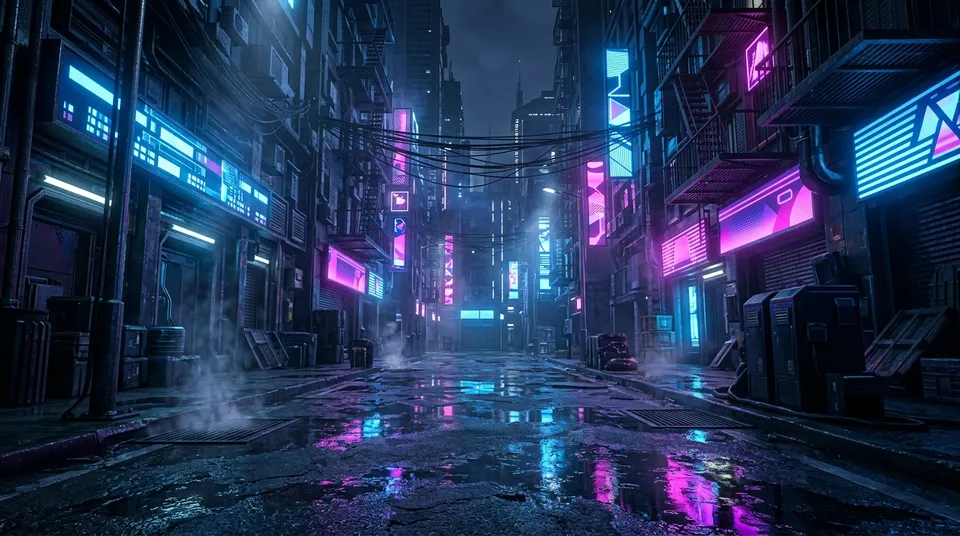
Neon after midnight
A cinematic futuristic street at midnight, blue and magenta neon reflections on wet asphalt, wide composition, realistic lighting, no people, no text or logos
Nano Banana 2.1 via Kie · 1K · 16:9 · 1376 × 768
Actual generated sample. Results vary. Native dimensions approximate the requested ratio; the original is not cropped.
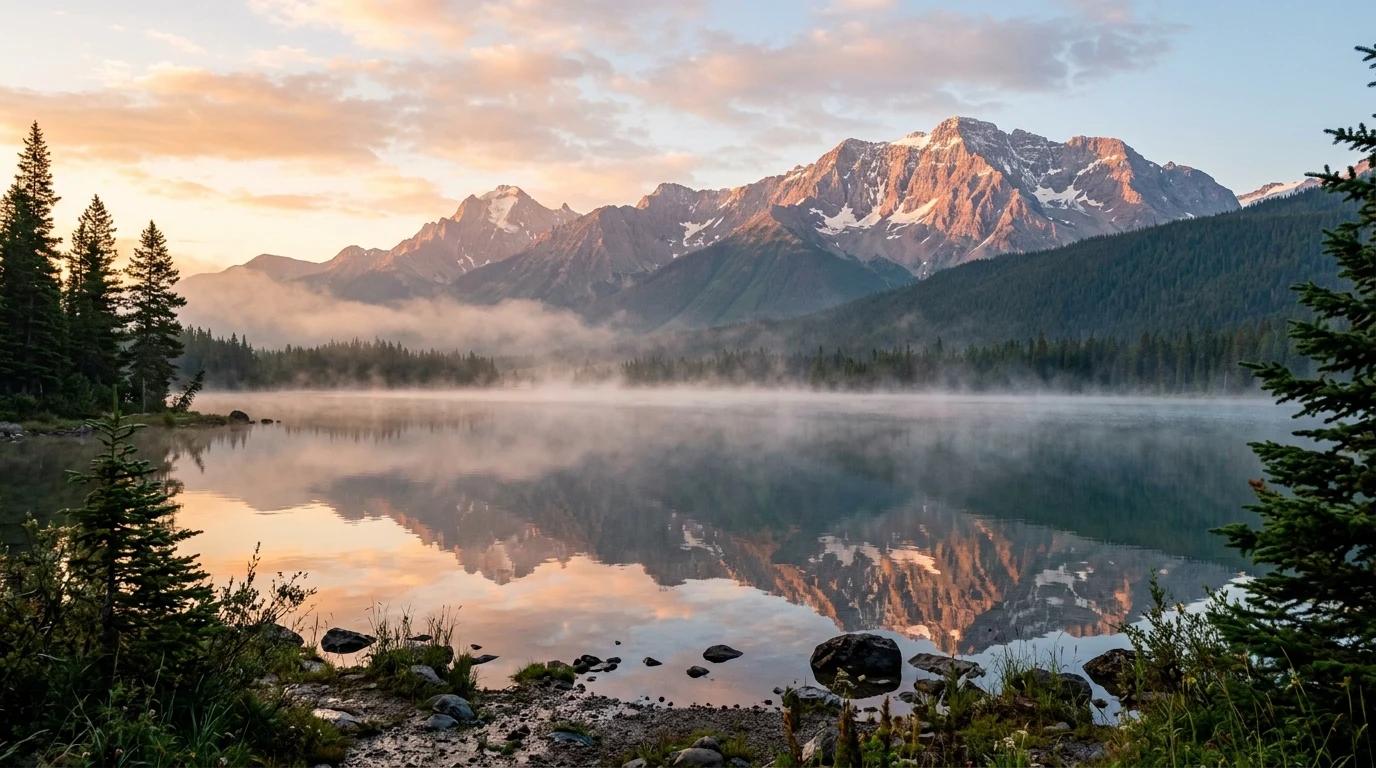
A tranquil alpine lake at sunrise, mountain reflections, mist over the water, natural colors, detailed landscape photography
Nano Banana 2.1 via Kie · 1K · 16:9 · 1376 × 768
Same-prompt variation: A and B use the identical prompt, not different prompt treatments. Actual generated sample. Results vary. Native dimensions approximate the requested ratio; the original is not cropped.
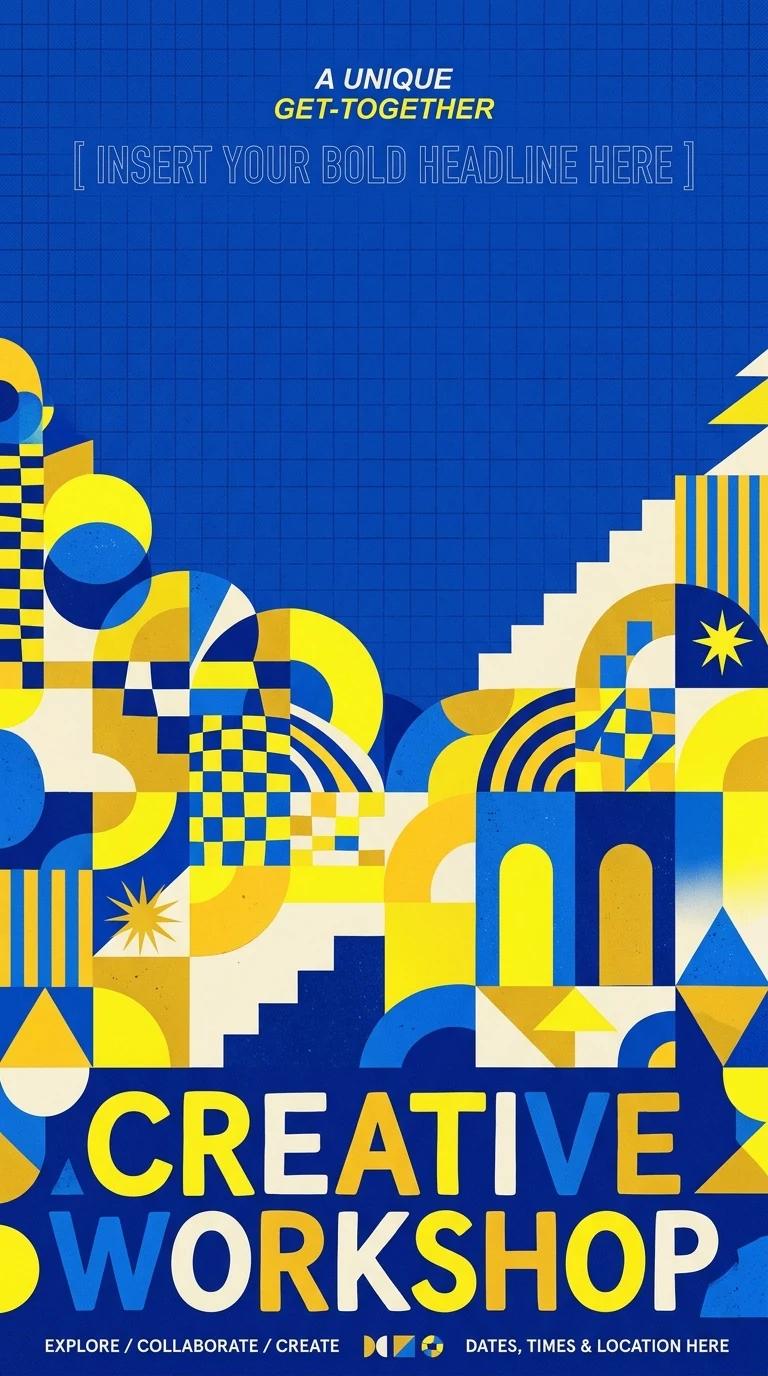
A bold modern poster for a creative workshop, abstract geometric shapes, cobalt blue and yellow palette, generous space for a headline
Nano Banana 2.1 via Kie · 1K · 9:16 · 768 × 1376
Same-prompt variation: A and B use the identical prompt, not different prompt treatments. Actual generated sample. Results vary. Native dimensions approximate the requested ratio; the original is not cropped.
Only with your permission, Google Analytics and Microsoft Clarity measure visits and interactions. Declining does not affect login, credits or generation. Turning off enabled analytics reloads this page; unsaved input may be lost.